
Reception
A call point at the desk so reception can summon a host or security without leaving a visitor alone.
Supplying wireless calling systems in South Africa since 2012
Hospitality and business
A meeting should not stop because someone has to go and find tea, or because the presenter needs IT support. A discreet button on the boardroom table sends the request to the person who handles it.

In a boardroom the button usually sits at the head of the table or beside the chairperson. One press calls the assistant, the kitchen or IT, depending on how you configure the call points — the alert carries the button number, so a second button can mean a different request.
Nothing interrupts the room: no phone call, no one stepping out, no one waiting at the door.
A call point at the desk so reception can summon a host or security without leaving a visitor alone.
Refreshment and IT support calls from any room in the suite.
A discreet call to an assistant without an intercom or a phone call.
A 100% waterproof assistance button, including a pull-cord unit that can be reached from the floor.
Service calls from the floor to the catering team.
Assistance calls across a large space, extended with signal repeaters where needed.
Most offices use wristwatches for the support team, with a display panel at reception or the helpdesk so the desk can see which room called. If response time tracking is needed, the W900 software and B-811 Smart Gateway can be added.
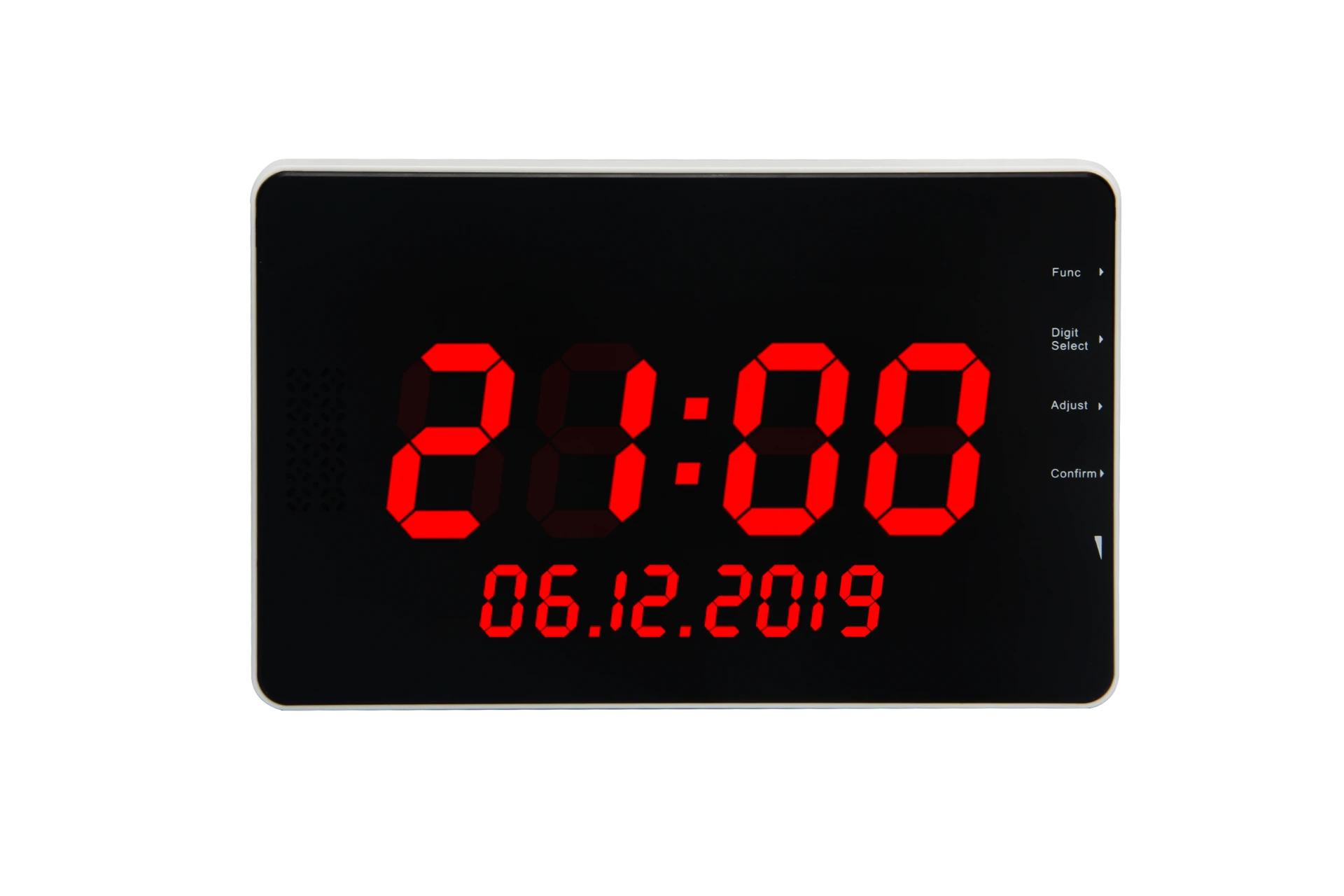
B-99G
Wall-mounted panel at reception or the helpdesk, with a rolling display, adjustable volume and six ringtone options.
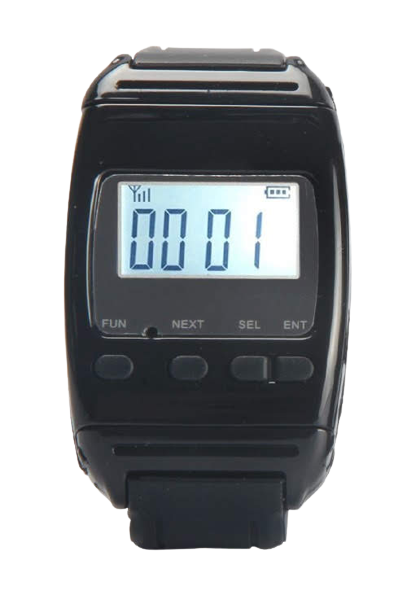
B-650
Worn on the wrist or a lanyard, it gives an audible and vibrating alert and displays the calling code.
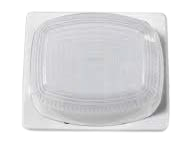
B-700
Mounts above the door and flashes red when someone in the room presses a button — with an alarm, or silently where a meeting must not be disturbed.
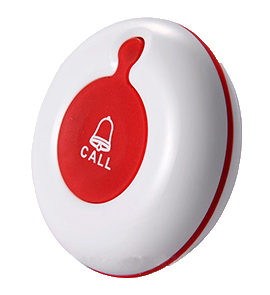
B-A1-WL
One large soft-rubber button, 100% waterproof, mounted on any flat surface.
Share the number of call points, the rooms or areas to cover and how your staff or caregivers work.
BellMe helps you choose buttons and receivers and prepares a quotation. Where coverage needs checking, an on-site inspection and test confirms the repeater requirement.
Position the call points and receivers for your setting, and make sure the people responding know where each call comes from and how to clear it.
Tell us how many rooms and call points you need, and who should receive the alerts.
“Our primary reason for buying this system was for use by frail-care residents to alert nursing staff. We are very happy with the reliability, range of signal and ease of use. It's definitely a good product and an excellent way to alert staff to any arising situation. We were very happy with BellMe's excellent sales and after sales service received.”
“BellMe is a wonderful product. Having parents in their late 80s or 90s is scary for any child. My father recently broke his shoulder and without the use of his right arm he found himself stuck in a couple of situations and was calling for help for over 30 minutes. Thank goodness I came across the BellMe website. I was quickly able to purchase a device for my 89 year old mother and 92 year old father. I can rest easy knowing that all they need to do is press the button on their device and their care giver is instantly notified that they need help. The good news is that BellMe is very reasonably priced though I would gladly have paid more for the peace of mind that having my parents equipped with a BellMe device has brought me.”