F01
Program a button
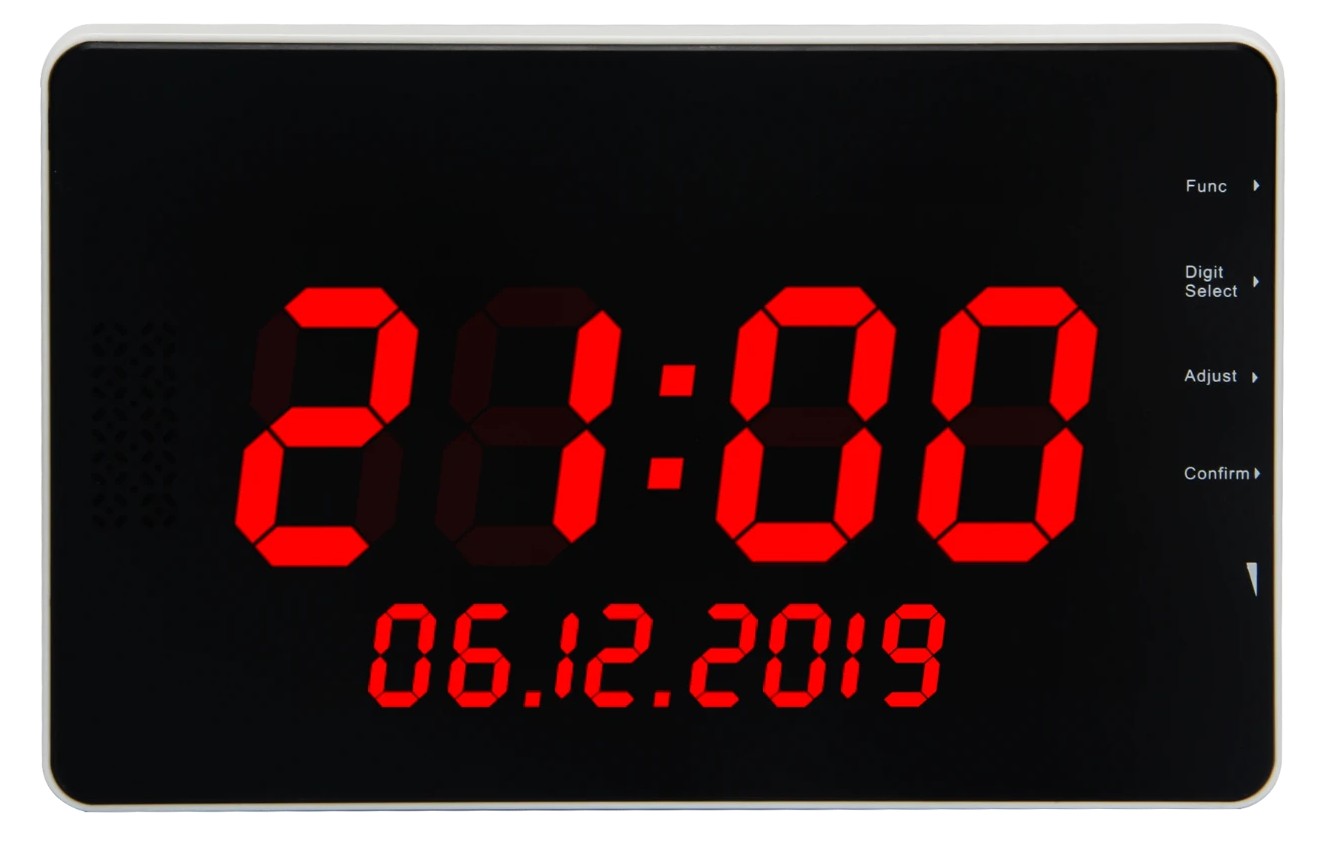
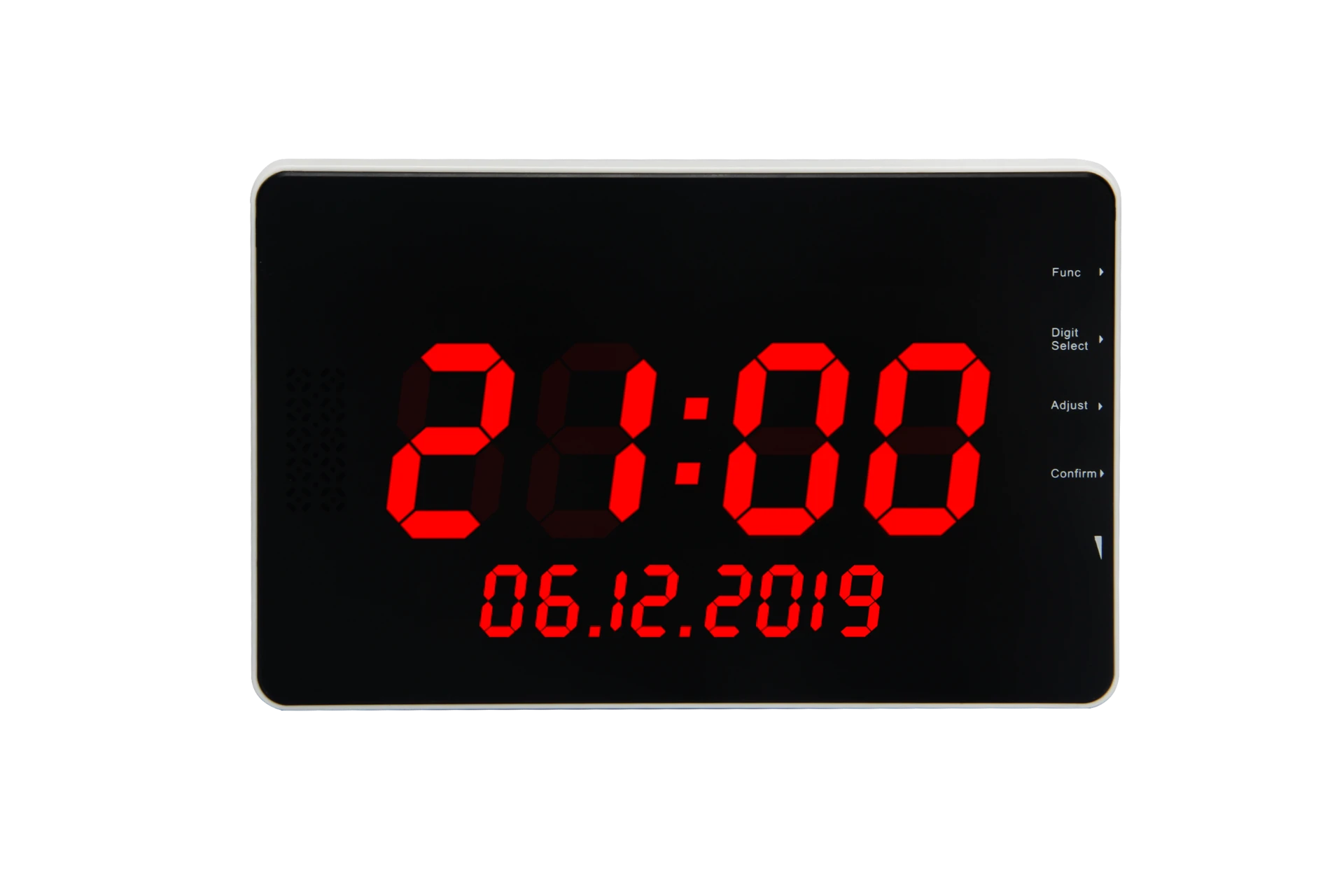
- 01Press Func on the side of the display panel. F01 will appear on the screen.
- 02Press Confirm .
- 03Use Adjust and Digit Select to select the information you want to assign to the button.
- 04Once the desired information is displayed, press Confirm . The screen will display _ _ _.
- 05Press the Call Button you want to program. The screen will beep and display the next available information.
- 06Press Func twice to exit.
- 07Press the newly programmed Call Button to confirm that it works correctly.